
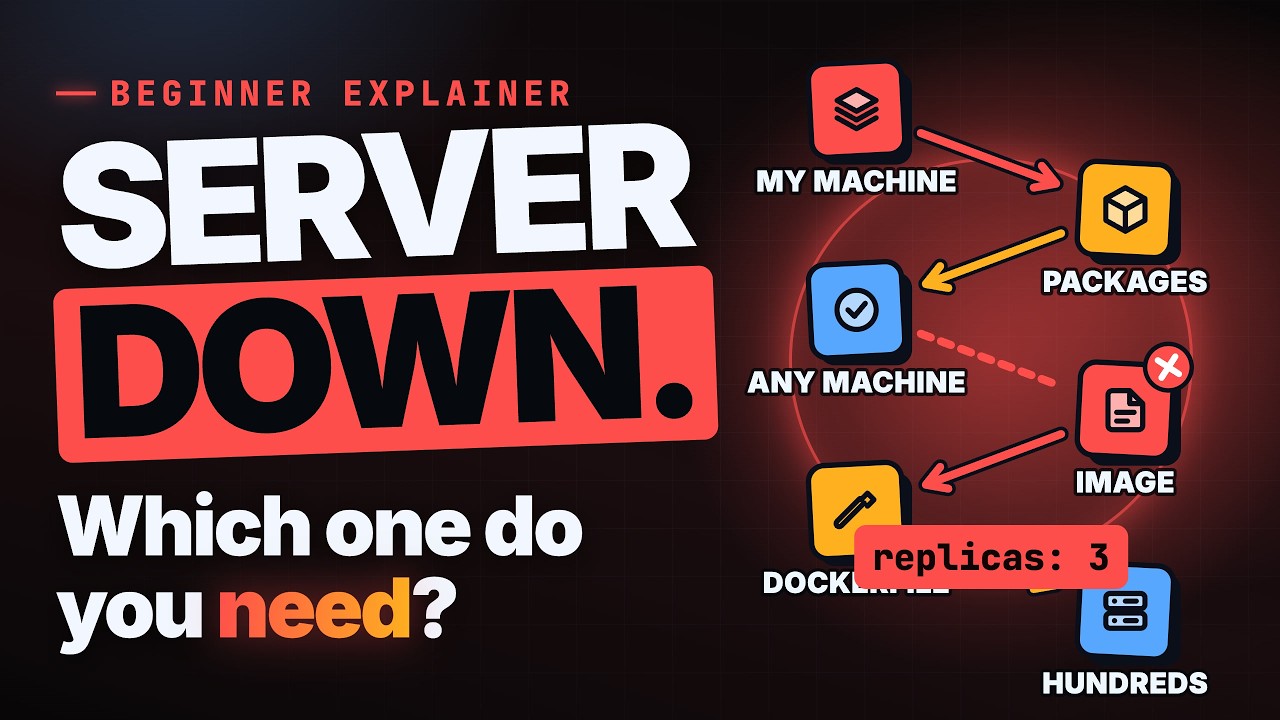
Docker vs Kubernetes is a common comparison, but the two tools do different jobs. Docker packages one app so it runs the same way on any machine. Kubernetes runs many of those packaged apps reliably across many machines. One builds the box; the other organises lots of boxes.
This guide starts with the problem both tools grew out of: an app that works on your laptop and breaks on a server. It then explains containers, how Docker turns code into a running container, why large apps need Kubernetes, and how the two fit into one workflow. Each step has a small, concrete example.
- Docker bundles your app with everything it needs, so it behaves the same everywhere.
- Docker follows three steps: write a Dockerfile, build an image, run a container.
- Kubernetes manages many containers across a cluster of machines.
- You describe the state you want in Kubernetes, and it keeps checking and fixing reality to match.
- They are partners, not rivals: build with Docker, run at scale with Kubernetes.
- 0:00Intro
- 0:34It works on my machine
- 1:30Docker packages your app
- 2:24Same app, any machine
- 3:28Dockerfile, image, container
- 4:23Your first Dockerfile
- 5:16One container is easy. Hundreds?
- 6:12Kubernetes manages your containers
- 7:08Describe the desired state
- 8:03Schedule, scale, restart
- 9:09An online shop on sale day
- 10:11Build with Docker, run with Kubernetes
- 11:07Docker vs Kubernetes, compared
- 11:55Two mistakes beginners make
- 12:49What you now know
- 13:23Docker packages; Kubernetes runs them reliably
Why does my app work locally but break on the server?
Almost every developer has seen this. The code is identical, yet it runs fine on a laptop and crashes on a server. Nothing in the code changed. What changed is everything around it: the computer, its settings, and the software installed on it.
A typical case looks like this. The server has an older version of Python, and one library your app uses is missing. Those two small differences are enough to make the app fail on startup.
The root cause is hidden dependencies. Your app quietly relies on a specific language version, certain libraries, and system settings. You never wrote them down because they were already on your laptop. The cost is time: teams can lose hours or days fixing setup instead of building features, and each new teammate has to go through the same setup again.
- Same code, different machine, different result
- Hidden dependencies: language versions, libraries, system settings
- The real cost is time lost to setup problems
What is Docker, and what is a container?
Docker is a tool that bundles your app together with everything it needs to run. You stop hoping the server is set up correctly and ship the setup along with the app.
The box Docker creates is called a container. It holds your code exactly as you wrote it, plus its dependencies: the right language version, the libraries, and the settings. Docker doesn't rewrite or convert your code. It makes sure the code always runs in the same environment it was built and tested in, so the server doesn't need those dependencies installed beforehand.
Shipping containers are a helpful comparison. Before standard steel boxes, every cargo was loaded differently. Once everything came in the same kind of box, any crane, ship or truck could move it, whatever was inside. Software containers do the same for apps: package once, and the app runs the same way on a laptop, a test server or the cloud. That also makes test results trustworthy, and it keeps separate apps from clashing over versions.
- Your code goes in unchanged
- Dependencies travel inside the container
- Same behaviour on laptop, test server and cloud
- Apps are kept separate, so versions don't clash
How Docker works: Dockerfile, image, container
Every Docker project follows the same three steps in the same order. First, you write a Dockerfile, a short text recipe that lives next to your code. It says which base system to start from, which files to copy in, what to install, and which command starts the app.
Next, you build an image. Docker reads the recipe line by line and produces a frozen, read-only snapshot of your app and its setup, like a sealed box ready to ship. Finally, you run a container, which is a running copy of that image. You can start many containers from one image, the way you can bake many cakes from one recipe.
Here is a small Node.js web server for an online shop. FROM starts from a base image that already has Node installed. COPY puts your code into a folder called app. RUN installs your libraries inside the box, and CMD says how to start the server. Then docker build creates an image named shop, and docker run starts a container from it. The first build takes a moment; later builds reuse saved steps.
- Dockerfile: the recipe
- Image: the frozen, shippable snapshot
- Container: the image running as a process
FROM node:20
COPY . /app
RUN cd /app && npm install
CMD ["node", "/app/server.js"]
Why isn't Docker enough for large apps?
Docker is very good at running containers on one machine. Real apps tend to grow, though. You split them into pieces, such as a website, a checkout service and a search service. Then you run several copies of each across many servers.
That raises new questions. Which server runs what? What happens when a server dies at 3 a.m., or traffic doubles on sale day? Doing all of this by hand with plain Docker commands becomes a full-time job.
Two problems stand out. The first is placement: each new container needs a machine with enough free memory and processing power, and with dozens of servers that becomes guesswork. The second is failures: containers crash and machines go down, and someone has to notice and start replacements before users are affected.
What is Kubernetes?
Kubernetes is a system that manages many containers across many machines. It's often written as K8s, because there are eight letters between the K and the s. If Docker builds the boxes, Kubernetes is the busy port that organises and moves them.
You send your instructions to the control plane, which acts as the brain of the cluster. It hands work to the worker nodes, the machines where your containers actually run. The whole group of machines is called a cluster. You treat it as one big pool of computing power instead of a set of separate servers, and Kubernetes decides where things go.
The other word you'll hear constantly is pod. A pod is the smallest unit Kubernetes runs, usually one container and sometimes a few that belong together. So Kubernetes runs pods, and pods hold your containers.
- Control plane: the brain that hands out work
- Worker nodes: the machines that run containers
- Cluster: all machines working as one
- Pod: the smallest unit, holding one or more containers
How does Kubernetes desired state work?
Kubernetes doesn't take step-by-step orders. You describe the result you want, called the desired state, and it works out how to get there. A thermostat works the same way: you set a temperature, and the system keeps working to hold it there.
In this simplified file, shop.yaml, kind: Deployment means keep this app running, the name is shop, and replicas: 3 means always keep three copies running. This style is called declarative: you state the goal, not the steps. You hand the file over with one command, kubectl apply. Kubernetes doesn't read the file once and forget it. It keeps comparing what is running with what you asked for, and fixes any difference.
From that loop come three everyday jobs. Scheduling picks a worker node with enough free memory and processing power for each container. Scaling changes the number of copies: raise replicas from three to ten and seven more appear, or let Kubernetes add and remove copies as traffic changes. Restarting replaces crashed containers, and if a whole machine dies, its work moves to healthy ones.
- Schedule: place each container on a suitable machine
- Scale: add or remove copies as demand changes
- Restart: replace crashed containers automatically
- Repeat forever: watch, compare, fix
# shop.yaml (simplified)
kind: Deployment
metadata:
  name: shop
spec:
  replicas: 3
Example: an online shop on sale day
Picture an online shop running on Kubernetes on its busiest day. Its file asks for three copies of the shop container. Customers are pouring in, and then one copy crashes after running out of memory.
Kubernetes compares reality with the desired state. Two of three copies are running, so it needs one more. It starts a new copy on worker node 2, and the shop is back to three of three. The two healthy copies kept serving customers while the replacement started, so nobody was paged and shoppers kept checking out. With plain Docker on a single server, that crash could have taken the shop down.
If traffic keeps climbing, the team, or an autoscaler, raises the replicas and more copies appear across the cluster.
- Running: 3 of 3 copies
- One crashes: 2 of 3 copies
- Gap spotted: 1 more needed
- New copy starts on worker node 2
- Back to normal: 3 of 3 copies
Docker vs Kubernetes: how do they work together?
The simple rule is that Docker is for building and local testing, and Kubernetes is for running at scale. Most teams that use Kubernetes also use Docker every day, one after the other.
A release moves like this. A developer builds and tests the image with Docker on a laptop. The image is pushed to a registry, which stores images much like an app store for containers. The cluster pulls the image, Kubernetes runs it, and users reach the shop. Big cloud providers offer managed Kubernetes for this last stage.
Compared directly, Docker's main job is packaging one app into a container, usually on one machine, and you control it with commands like build and run. Kubernetes manages many containers across a cluster of machines, and you give it a desired state file. Strictly speaking, Kubernetes uses its own container runtime, but images built with Docker run there just fine.
- Main job: package one app vs manage many containers
- Scale: usually one machine vs many machines as one cluster
- You give: commands vs a desired state file
- Best for: building vs running at scale
Common mistakes beginners make
The first mistake is treating Docker and Kubernetes as rivals. Because they are so often discussed as Docker versus Kubernetes, many beginners ask which one to pick. That's the wrong question. One packages, the other orchestrates. The better path is to learn Docker first, since every container skill builds on it, then add Kubernetes when you actually need it.
The second mistake is using Kubernetes for tiny projects. A personal blog or a weekend app on one server doesn't need a cluster. You would spend more time managing Kubernetes than building your app. For small projects, plain Docker is often the smarter choice.
Key takeaways
- Containers make apps run the same way anywhere, which ends "works on my machine" problems.
- Docker works in three steps: Dockerfile, image, container.
- Kubernetes manages containers across many machines grouped into a cluster.
- You describe the desired state; Kubernetes handles scheduling, scaling and restarting.
- Build with Docker, run with Kubernetes, and only add Kubernetes when your app needs it.
Frequently asked questions
Is Kubernetes a replacement for Docker?
No. Docker packages an app into an image and container, while Kubernetes runs and manages many containers across machines. Most teams use Docker to build and Kubernetes to run what they built.
Should I learn Docker or Kubernetes first?
Start with Docker. Everything Kubernetes runs is a container, so understanding Dockerfiles, images and containers makes Kubernetes much easier to learn later.
What is the difference between a Docker image and a container?
An image is a frozen, read-only snapshot of your app and its setup, built from a Dockerfile. A container is a running copy of that image, and you can start many containers from one image.
What is a pod in Kubernetes?
A pod is the smallest unit Kubernetes runs. It usually holds one container, and sometimes a few containers that belong together.
Do I need Kubernetes for a small project?
Usually not. A personal blog or a small app on one server runs well with plain Docker, and managing a cluster would take more time than it saves.
Why is Kubernetes called K8s?
There are eight letters between the K and the s in "Kubernetes", so the name gets shortened to K8s.
