
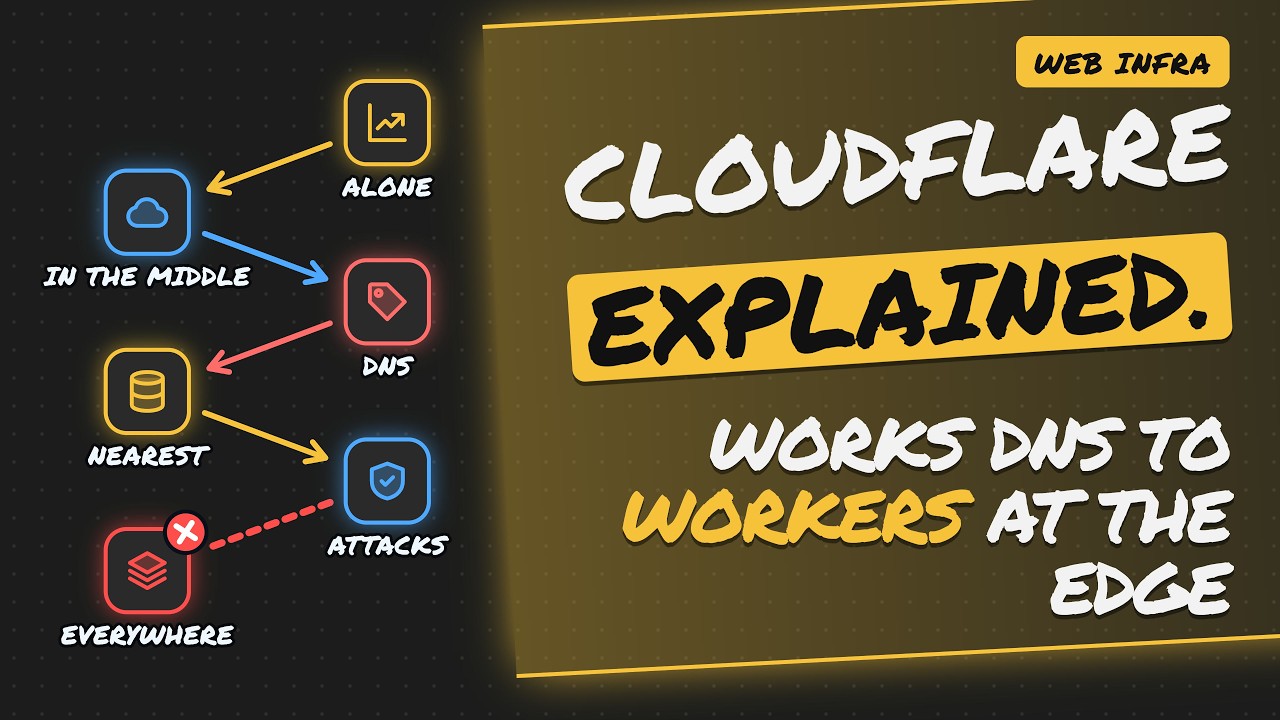
How Cloudflare works comes down to one idea. A global network sits between your visitors and your server, and it handles the request before your server ever sees it. Along the way, it answers DNS, serves cached files, filters attacks and can even run your own code.
You use it every day without noticing. In this guide we follow a single request through four stops: DNS, cache, the DDoS shield and Workers. Then we cover the three settings that quietly undo all of that protection.
- Cloudflare is a reverse proxy: visitors talk to its edge, never directly to your server.
- DNS points your domain at Cloudflare, so every request lands on the nearest data center.
- Cached copies and DDoS/bot filtering keep your origin server calm and online.
- Workers let you run small functions at the edge, close to each visitor.
- A leaked origin IP, Flexible SSL or cached private pages can bypass it all.
- 0:00Intro
- 0:24Running a site alone is brutal
- 1:09The network in the middle
- 1:48DNS points traffic to the edge
- 2:30The nearest data center answers
- 3:07Attacks die at the edge
- 3:45It's everywhere you look
- 4:17Workers: your code at the edge
- 4:57A flash sale hits your store
- 5:30Three ways to undo it all
- 6:16The whole journey in five
- 6:37Fast and tough, if configured right
Why is running a website on your own so hard?
Every website fights the same three battles, whether it's a hobby blog or a busy store. You launch, people show up, and the site goes down. Was it a traffic spike? An attack? Meanwhile, users on the other side of the world are staring at a loading spinner. Those three problems are the reason a middleman like Cloudflare exists at all.
Traffic floods come first. A single origin server has limited CPU and bandwidth. A viral moment can knock it over at the exact moment you most need it to stay up. Attackers come next. They send deliberate floods to take you offline, while bots scrape content, spam forms and try stolen passwords.
Distance is the quiet problem. A visitor across an ocean waits on every round trip between their browser and your server, and slow pages lose people. None of these problems can be fixed by the server alone. Something has to stand in front of it.
- Traffic floods: one server crashes when everyone arrives at once
- Attackers: floods and bots aim to knock you offline
- Distant users: every extra mile adds waiting time
What is Cloudflare? The network in the middle
Cloudflare is a global network that sits between visitors and websites. The key detail is that every request meets Cloudflare first. A visitor's browser never talks to your server directly. It talks to the Cloudflare edge, and the edge decides what happens next. It forwards the request to your origin server only when it has to.
The technical name for this is a reverse proxy. Cloudflare answers on your site's behalf, so visitors only see Cloudflare's addresses, never yours. That one design choice is what makes caching, filtering and edge code possible.
The second half of the picture is the global network itself: data centers spread around the world. Wherever your visitor happens to be, a Cloudflare location is usually close by. That closeness is where the speed comes from.
How does Cloudflare DNS send traffic to the edge?
Getting traffic to Cloudflare instead of your server starts with DNS, the internet's phone book. The trick is simple. When someone looks up your domain, DNS answers with Cloudflare, not with you.
Walk through it with shop.example. The browser asks which address belongs to shop.example. The question goes to Cloudflare's nameservers, because the domain owner pointed it there. The answer is an edge IP address, not the server's real one. The browser connects to that address and lands on the nearest edge location.
Two settings make this happen. First, you set Cloudflare's nameservers once at your domain registrar, which hands Cloudflare control of how your domain resolves. Second, you mark DNS records as proxied, shown as the orange cloud in the dashboard. From then on, traffic hits Cloudflare's edge first, every single time.
- Type domain → shop.example
- Ask nameserver → Cloudflare NS
- Get answer → edge IP address
- Connect → nearest edge
How does Cloudflare caching make sites faster?
Once traffic lands on the edge, speed comes from caching. Copies of your files live in data centers close to visitors, so your server rarely gets asked for them. A visitor requests your homepage. The nearest edge cache already holds a copy and replies right away.
That's a cache hit. Images, scripts and stylesheets come straight from a nearby data center, skipping the long trip across the world. On a cache miss, the request travels back to your origin server, which sends the file. The edge keeps a copy for the next visitor.
The result is that your origin rests. It only serves each file now and then to refill the cache, instead of answering every single visitor. Even on a busy day, your server barely breaks a sweat. That spare capacity matters most when traffic spikes.
How does Cloudflare stop DDoS attacks and bad bots?
Speed means nothing if attackers can knock you offline, so the next stop is filtering. Raw traffic arrives mixed: real people, bots and deliberate floods. Cloudflare sorts it out at the edge, long before anything reaches your server.
The DDoS shield deals with floods. A flood that would crush a single server gets spread across Cloudflare's large network, so no single machine takes the whole hit. The bot filter goes after scrapers and credential stuffers, the bots trying stolen passwords. They get challenged or dropped.
Your origin only sees what's left. That's the real payoff of filtering at the edge. Your server spends its CPU and bandwidth on real customers instead of on traffic designed to waste them.
- DDoS absorbed: floods spread across the whole network
- Bad bots blocked: scrapers and password guessers get challenged
Where is Cloudflare's edge network used?
The same edge network does far more than serve websites. Websites get sped up and shielded. APIs get protected from abuse. The 1.1.1.1 DNS resolver, which anyone can use, runs on it. Workers, which run your own code, run on it too.
The important idea is shared infrastructure. Every product rides the same global network. When Cloudflare improves the edge, through more locations or better filtering, every service built on it benefits at once.
- Websites: faster and shielded
- APIs: protected from abuse
- 1.1.1.1: a public DNS resolver
- Workers: your code, running at the edge
What are Cloudflare Workers?
Workers are where Cloudflare stops just delivering content and starts computing. A Worker is a small function that runs in the data center nearest each visitor. The same code is deployed across Cloudflare's network, so every request hits the copy closest to the person who made it.
The example below is a minimal Worker. It exports a default object with a fetch handler. Every incoming request calls fetch, and the handler returns a new Response directly from the edge. No origin server is involved.
There are no servers to patch, provision or scale. That makes Workers a natural fit for jobs that should happen before a request ever reaches your origin. Redirects, authentication checks and personalised pages are all examples.
- Runs nearby: served from the closest copy
- No servers: nothing to patch, provision or scale
# A minimal Cloudflare Worker
export default {
  async fetch(request) {
    return new Response('Hello from the edge');
  }
};
Following one request: a flash sale on your store
Put it all together. Your online store launches a big sale and everyone shows up at once. Follow one shopper. Their phone asks Cloudflare DNS for your domain, and DNS points them to the nearby edge location.
At the edge, the bot filter strips out scalper bots. Product images come from the edge cache. A Worker checks the cart. Only real orders continue on to your origin server.
This is the payoff: the store stays up. The crowd hits Cloudflare, not you. Your origin processes orders instead of drowning in page views, which is exactly where you want its limited capacity going on your busiest day.
Common Cloudflare mistakes that bypass your protection
Cloudflare only protects you if it's set up correctly, and small settings can open big holes. The first is a leaked origin IP. If attackers learn your server's real address, they skip Cloudflare entirely. The fix is to accept traffic only from Cloudflare's IP addresses. Also check DNS history: old records and unproxied subdomains can reveal your origin. Audit them, and change the IP if it has leaked.
The second is Flexible SSL. Visitors see the padlock, but traffic between Cloudflare and your origin travels unencrypted. Use Full (strict) instead. The third is a private cache problem. If logged-in account pages get cached, they can be served to strangers. Bypass the cache for those pages.
To catch that last mistake, test logged out. Load private pages from a fresh browser and confirm you don't see someone else's data. One misconfiguration can undo everything else Cloudflare gives you.
- Leaked origin IP → allow only Cloudflare IPs
- Flexible SSL → use Full (strict)
- Cached private pages → bypass cache for account pages
- Audit old DNS records and subdomains
- Test private pages logged out
The bottom line
- DNS sends visitors to Cloudflare's edge instead of your server.
- The nearest data center serves cached content, so your origin rests.
- DDoS floods and bad bots are filtered before they reach you.
- Workers run your code at the edge, close to each visitor.
- Misconfigurations like a leaked origin IP or Flexible SSL can undo all of it.
Quick-fire questions
Is Cloudflare a reverse proxy or a CDN?
It acts as both. As a reverse proxy, it answers requests on your site's behalf so visitors never connect to your server directly. Because it does that from data centers around the world, it can also cache your files close to visitors, which is what a CDN does.
What does the orange cloud mean in Cloudflare DNS?
The orange cloud marks a DNS record as proxied. Traffic for that record goes through Cloudflare's edge, and visitors get an edge IP address instead of your server's real one. Unproxied records can expose your origin IP.
Can attackers bypass Cloudflare?
Yes, if they find your origin server's real IP address, they can send traffic straight to it and skip Cloudflare. To prevent that, allow only Cloudflare's IP addresses at your origin, and audit old DNS records and subdomains that might reveal it.
What is the difference between Flexible and Full (strict) SSL?
With Flexible SSL, the connection from the visitor to Cloudflare is encrypted, but traffic from Cloudflare to your origin is not. Full (strict) encrypts that second leg as well, so use it to protect data all the way to your server.
What can you do with Cloudflare Workers?
Workers run small functions at the edge, in the data center nearest each visitor, with no servers to manage. Common uses include redirects, authentication checks and personalised pages, all handled before a request reaches your origin.
